
 Copydock
An on-device clipboard library for saving links and reusable replies, with a custom keyboard that brings pinned clips into other apps.

- Status
- Available on the App Store
- Who it serves
- People who reuse replies, links, and snippets throughout the day
- Platform
- iPhone and iPad
Keep the text you’ll need again
A support reply, reference link, or address is easy to copy and easy to lose the next time you copy something. Copydock makes those clips searchable and puts the ones you use most within reach when you’re writing in another app.
Example workflow
Save a standard reply and use it again
- Copy the reply and open Copydock with clipboard capture enabled.
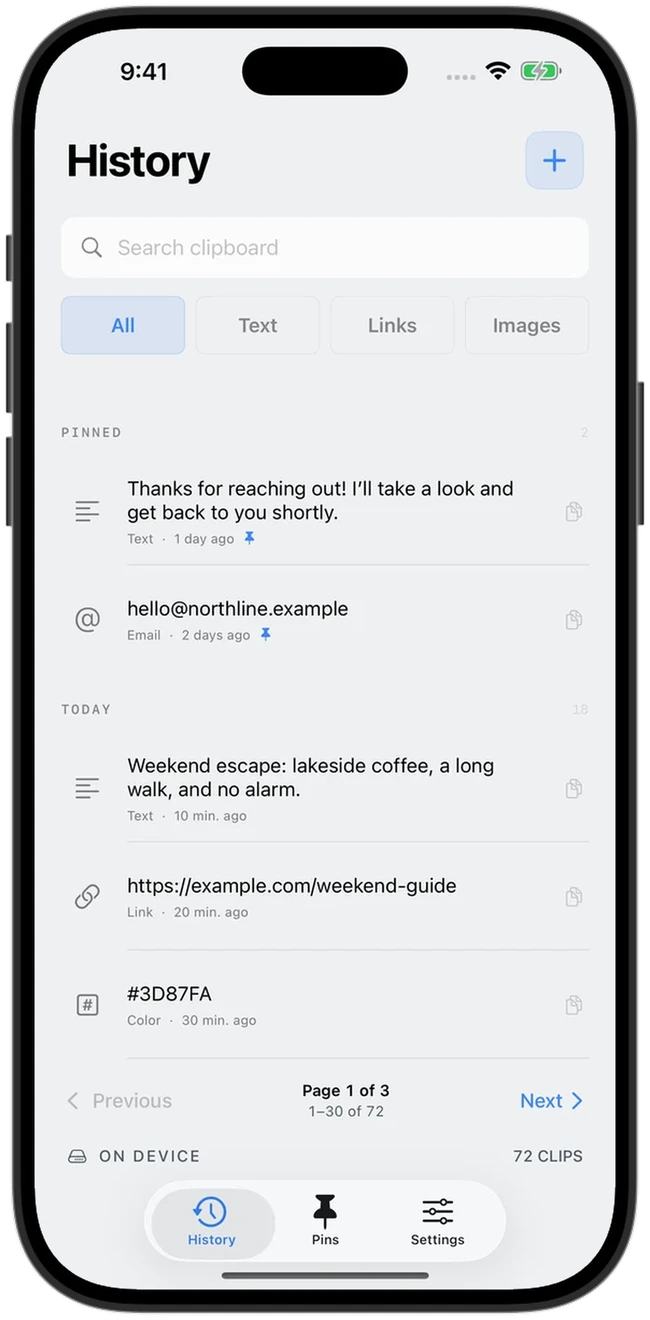
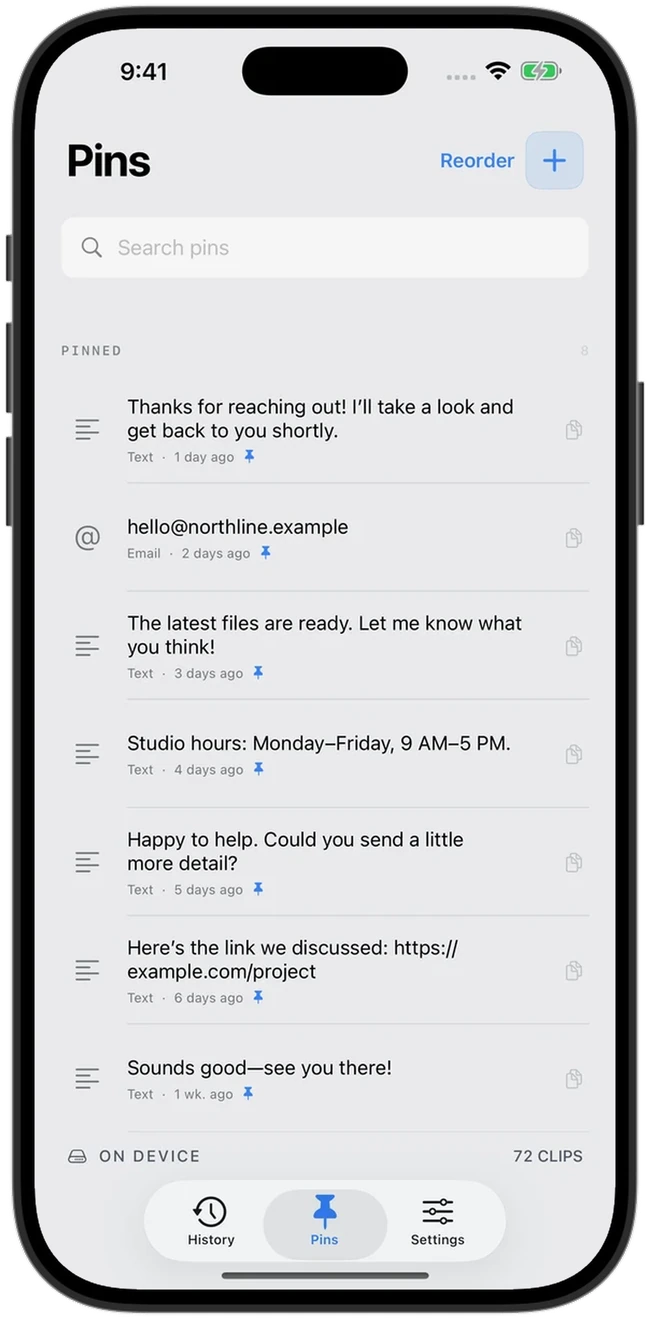
- Find the saved reply in History and pin it with the snippets you use most.
- Switch to the Copydock keyboard in a compatible app and insert the pinned reply into your draft.
Bedrock Group’s work
Bedrock Group built and released the iPhone and iPad app, including its searchable clip library, custom keyboard, and widgets. Saved replies and links can be brought back into the apps where people need them.
Clipboard capture with clear controls
Copydock saves clips while it’s open and capture is enabled. Search by contents or filter by type to find a link or reply. Pause capture whenever you’re copying something you would prefer to keep out of the library.
A library shared with the keyboard and widgets
Pin frequently used clips and insert them with the Copydock keyboard in compatible apps. The privacy lock hides clip contents from the keyboard and widgets.
Upgrades that preserve saved clips
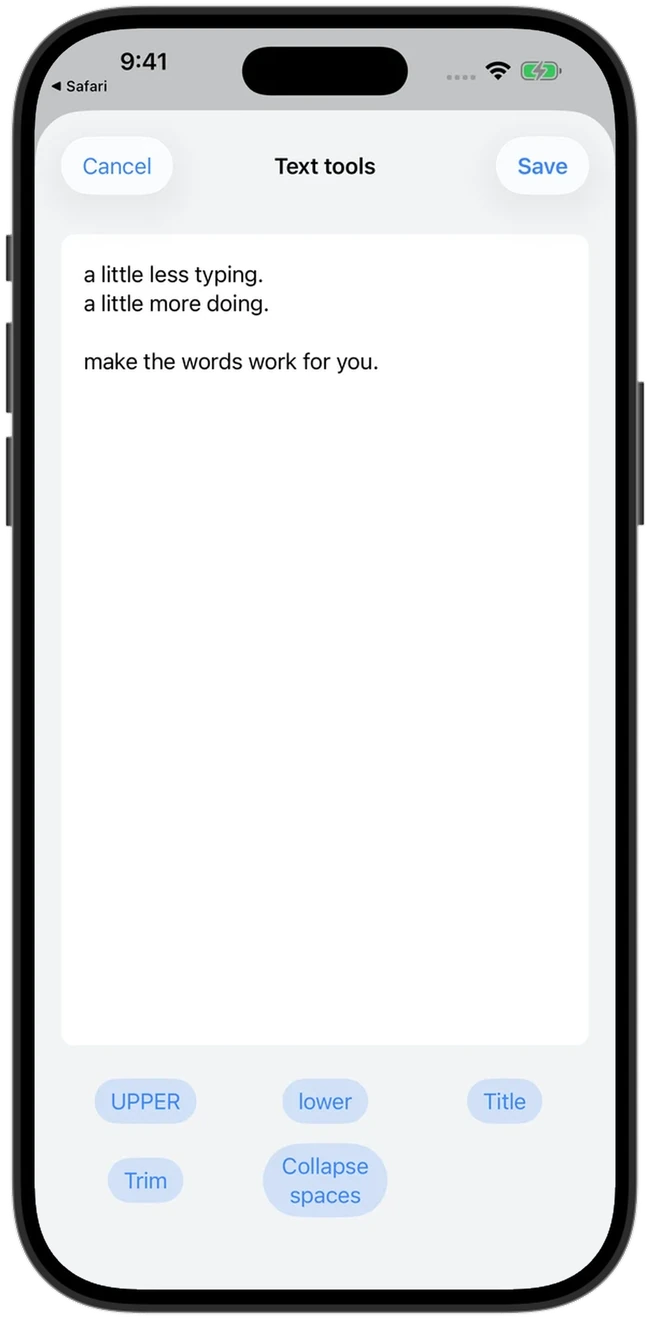
Pro adds images, unlimited history and pins, text cleanup tools, widgets, and optional backup and restore through iCloud Drive. Clips beyond the free tier stay saved if Pro lapses and become accessible again when Pro returns.