
 Local Budget Box
An offline envelope budget that lets households assign income, track spending, and review imported statements without connecting a bank account.

- Status
- Available on the App Store and listed as Local Box on Google Play
- Who it serves
- Individuals and households who want a budget they can keep on their own devices
- Platform
- iPhone, iPad, and Android
See what you can spend before you spend it
An account balance tells you what’s in the bank, but some of that money may already be set aside for rent or bills. Local Budget Box tracks those commitments by category. People can enter activity by hand or import a statement they already have, with no bank sign-in.
Example workflow
Build a monthly budget from a statement
- Choose a CSV, OFX, or QFX file and select the account you want to import into.
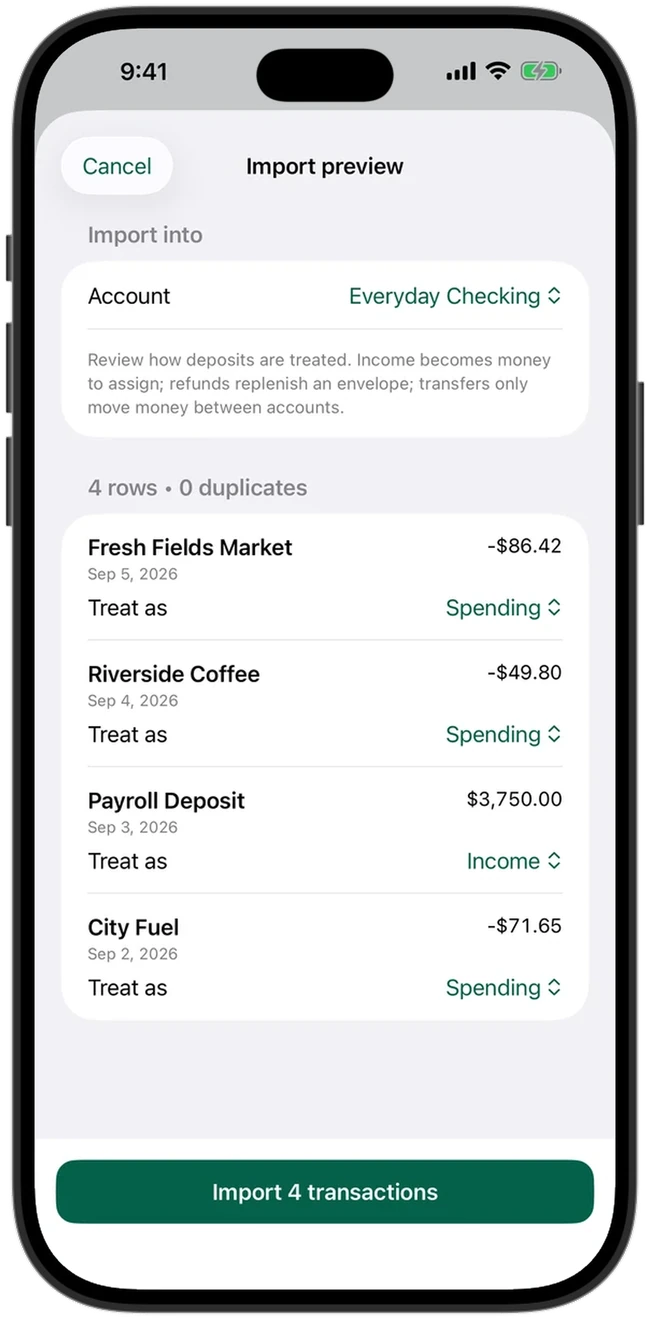
- Review the proposed transactions and any duplicates. Classify deposits as income, refunds, or transfers before importing.
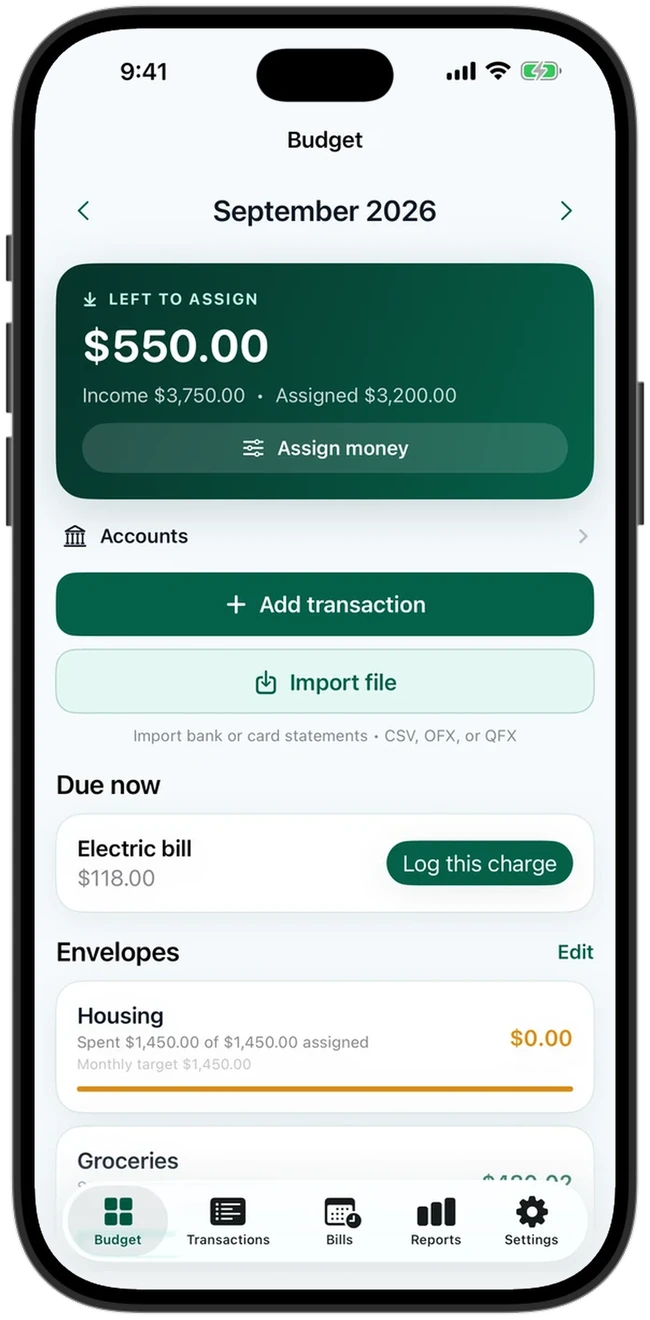
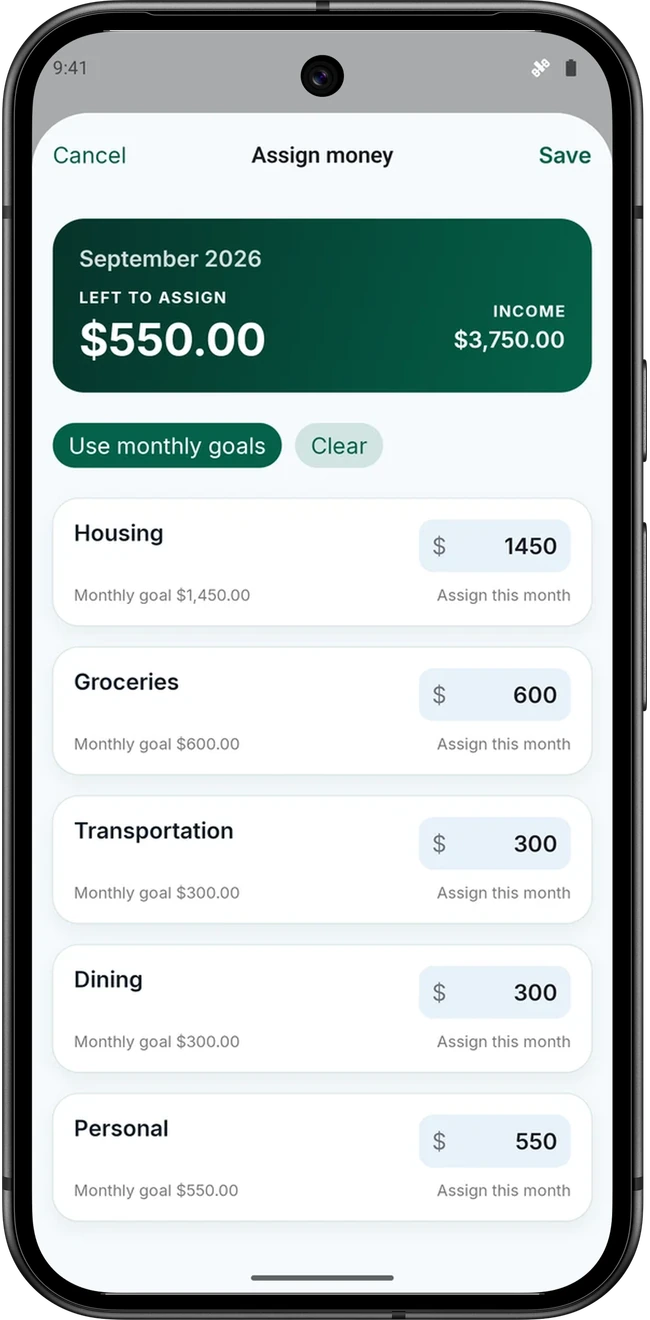
- Assign available income to envelopes and check what’s still available for each category as spending comes in.
Bedrock Group’s work
Bedrock Group built and released the envelope budget for iPhone, iPad, and Android. Both editions support the same workflow for reviewing imports, assigning income, handling refunds and transfers, and restoring a budget from a backup.
Budget rules that match how money moves
Monthly goals guide how much to assign, and each month keeps its own assignments. Refunds restore money to the original envelope. Transfers move money between accounts without adding income or changing the budget.
On-device imports and portable records
The app remembers matching CSV column mappings, flags duplicates, and previews entries before they affect account balances. Users can export a transaction spreadsheet or restore the full budget from a backup. Optional backups go to iCloud Drive on Apple devices or a user-selected folder on Android.
Shared budgeting features with platform-specific upgrades
Pro adds more accounts, expected bills, reports that compare months, and widgets. Purchases and restores go through the store for each edition.