Signline
A web and native Apple application for preparing agreements, routing them to the right people, and returning a completed PDF with its signing history.
- Status
- Privately tested pre-release
- Who it serves
- Teams that prepare multi-party agreements and need a record of how each document was completed
- Platform
- Web, iPhone, and iPad
Keep the agreement and its instructions together
A single agreement can involve several signers, a person who only needs a copy, and fields that apply to just one recipient. The sender needs to see who is next and which version each person received.
Example workflow
Route an agreement and assemble its completion record
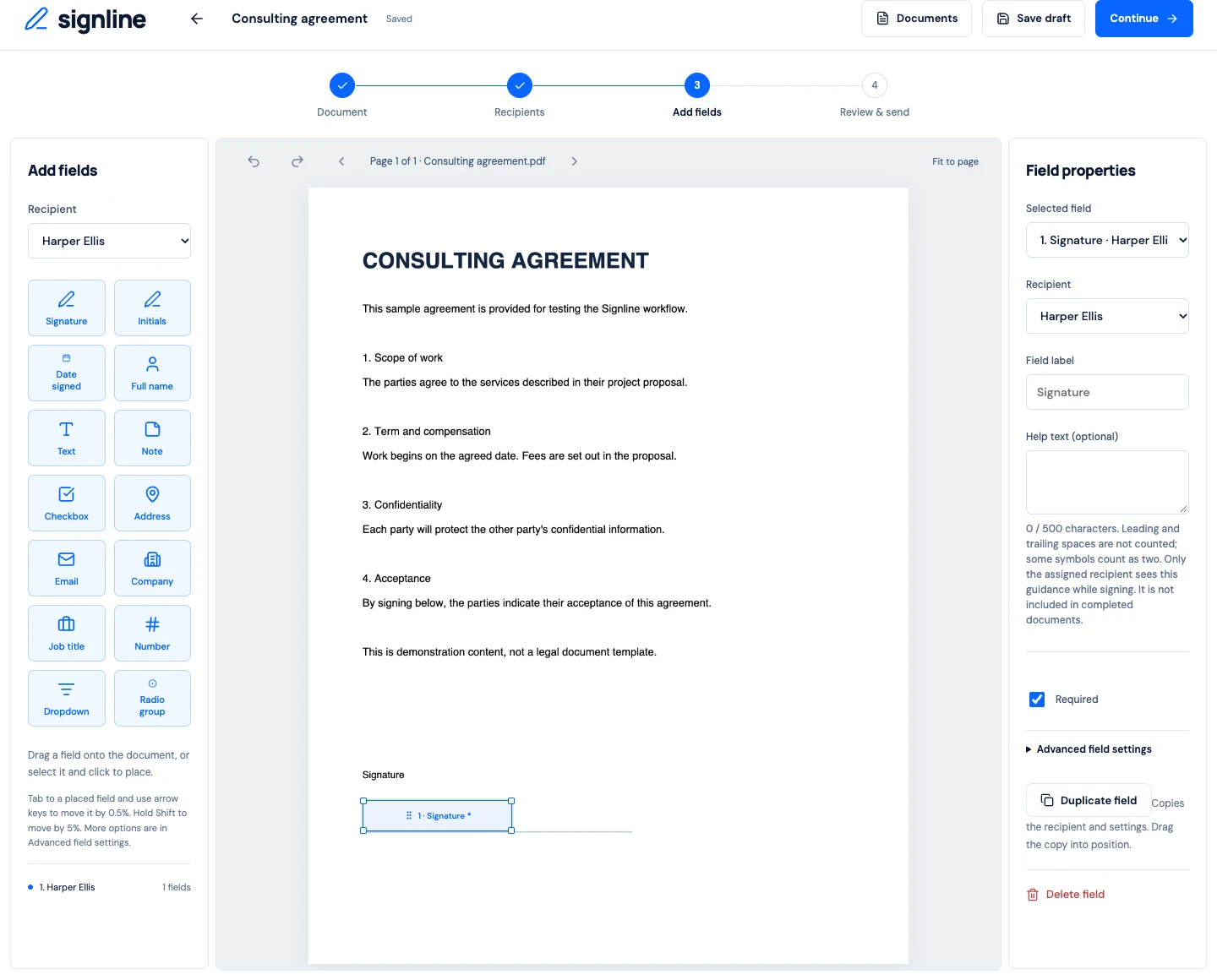
- Combine the source documents, assign each person a role and place their fields on the PDF. Preview what each recipient will see.
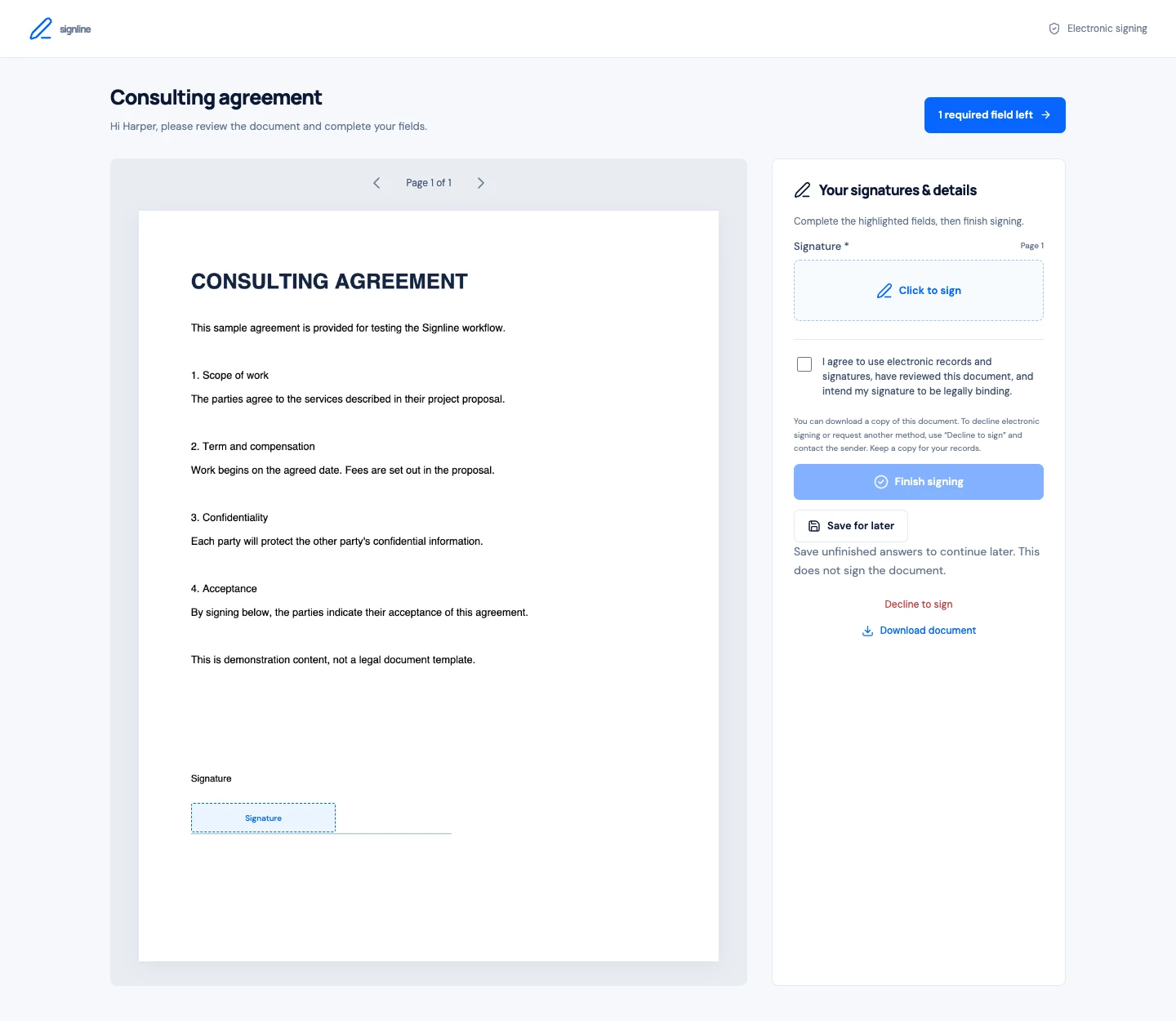
- Set the signing order or allow people to act in parallel. Each recipient sees their required fields, reviews the document, and records consent.
- Review the finished agreement alongside the completion certificate and event history. Export the evidence package with the original and completed files.
Bedrock Group’s work
Bedrock Group built the browser, iPhone, and iPad signing experiences. The work spans preparing an agreement, routing it to each recipient, and giving the sender a finished PDF with a record of completion.
Prepare agreements for each recipient
Senders position signature, initial, date, and form fields directly on PDF pages. Reusable templates, recipient-specific instructions, and conditional fields support agreements that follow different paths depending on a signer’s answers.
Signing, acknowledgment, and copies
Senders can pick up a draft or check the signing order on the web, iPhone, or iPad. Depending on the role assigned, each recipient can draw a signature, acknowledge receipt, or receive a copy.
A record of what was signed
The sender can export the original and completed PDFs with a completion certificate and the signing history. The record ties each document to the actions taken by its recipients.