
 Task Dump
An iPhone and Android app for getting thoughts out of your head, choosing one next step, and starting a short focus session.

- Status
- Available on iOS and Android
- Who it serves
- People who need a simpler way to get started on a task
- Platform
- iPhone and Android
Make the next step small enough to start
Remembering everything at once makes it hard to choose where to begin. Task Dump gives someone a place to dictate or type thoughts as they come, then turn one of those thoughts into something they can act on.
Example workflow
Turn a brain dump into a ten-minute focus session
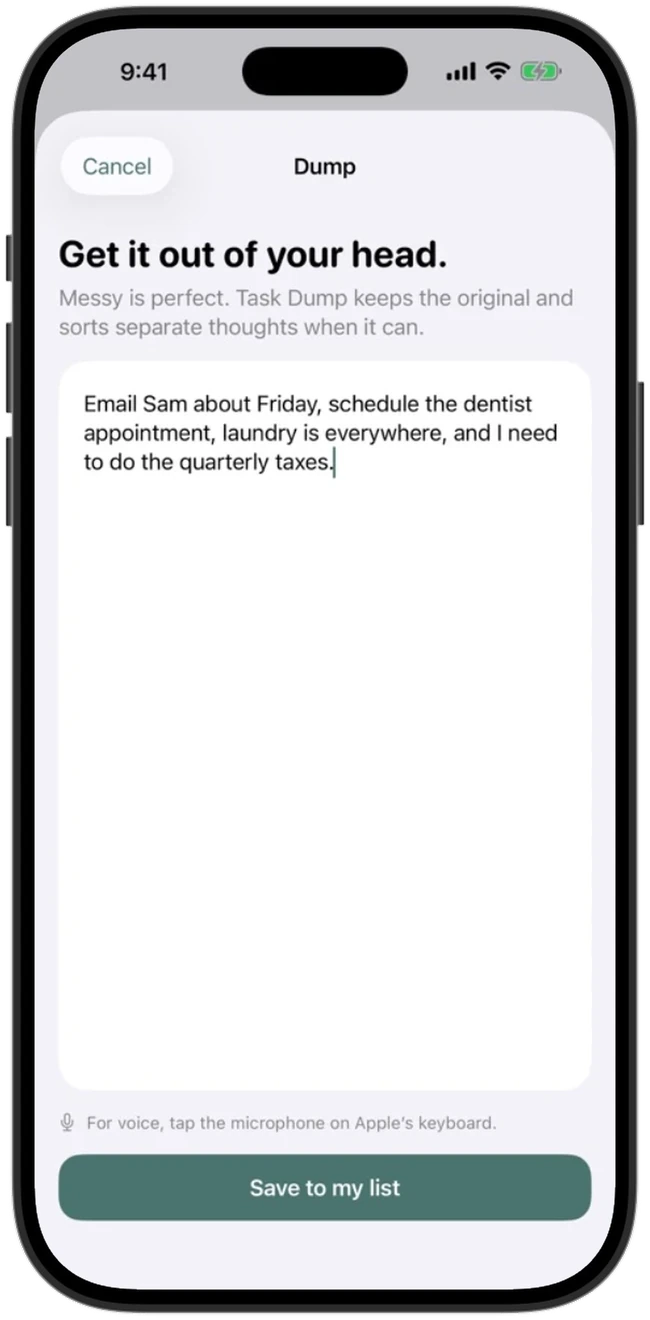
- Type or dictate a few things you have on your mind. The app keeps the original wording.
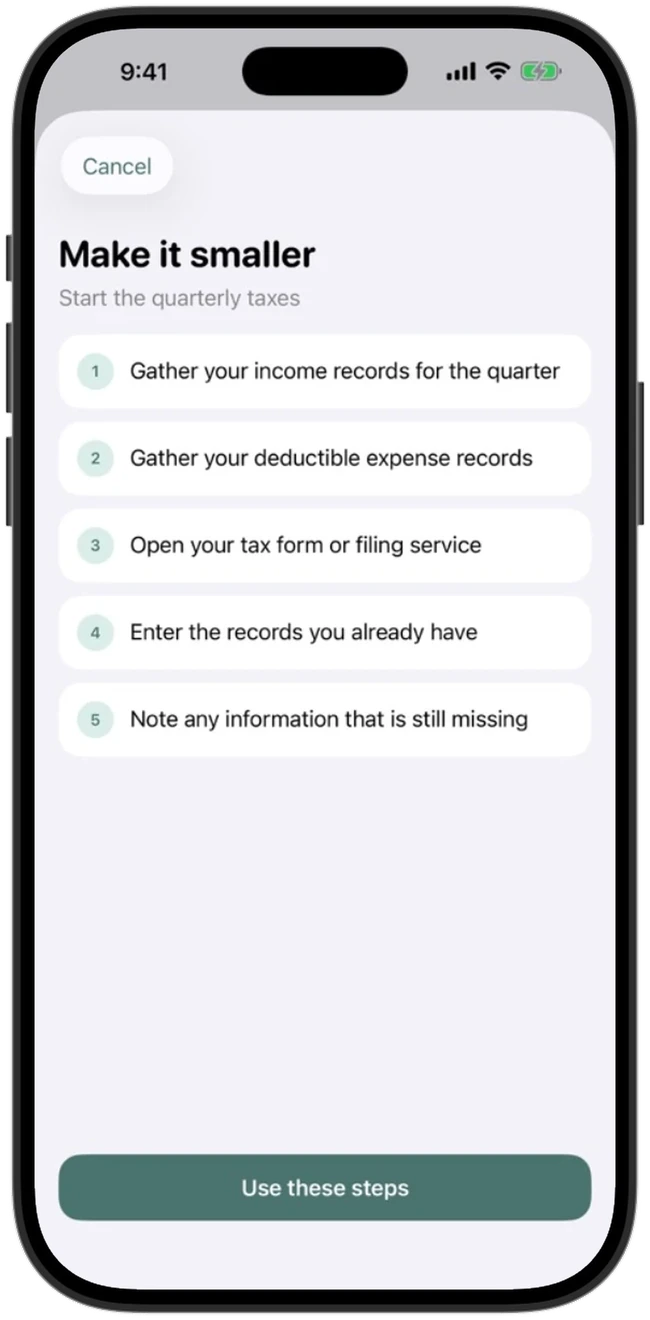
- Choose one task. If it feels too large, the Pro feature can suggest smaller steps on supported phones.
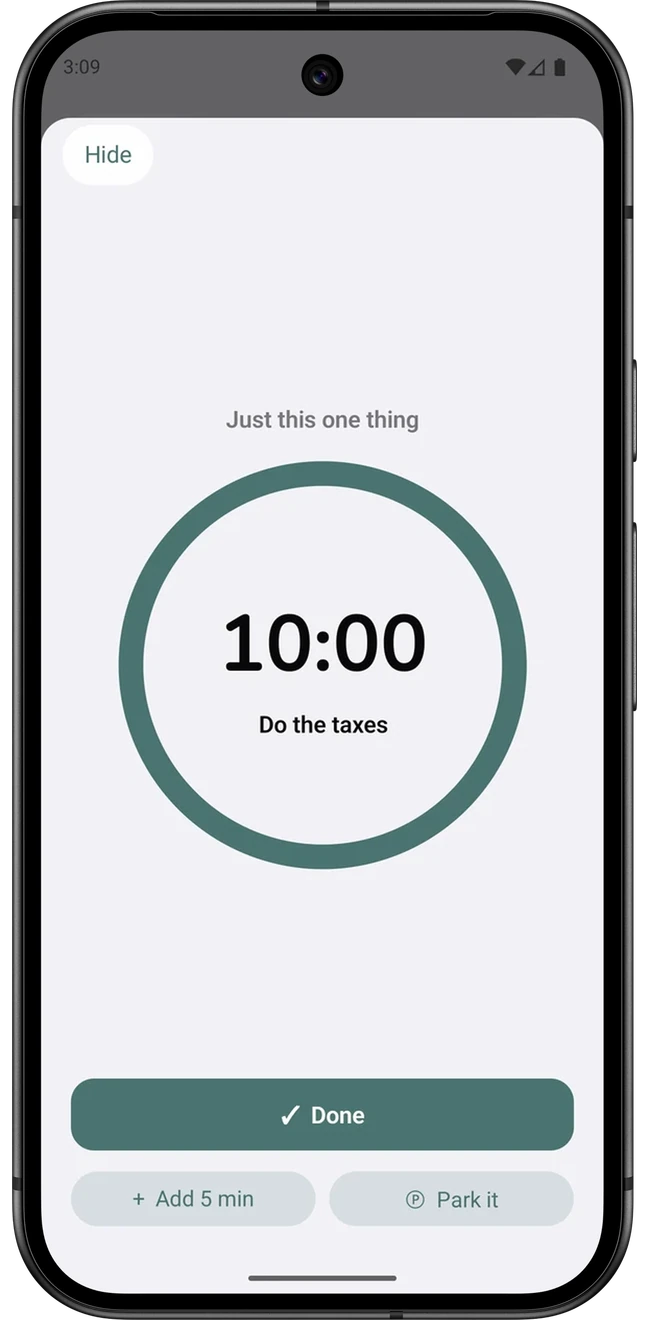
- Start a short focus timer for one task and set a reminder if you need to return to it later.
Bedrock Group’s work
Bedrock Group built and released Task Dump for iPhone and Android, from quick capture and editable task suggestions through focus sessions, reminders, and portable records.
Native capture, reminders, and widgets
Type or dictate a thought as it comes up and set a reminder to revisit it. Pro’s quick-capture widget gives users a way to start an entry from the Home Screen.
Task suggestions on the device
On a supported phone with the required on-device AI available, Make It Smaller suggests ways to break a task into shorter steps. The user can review and edit the suggestions before adding them to a list.
From capture to a manageable list
A single entry can produce several actionable items while keeping the original wording available. The user can focus on one item, park another, date a reminder, and return to a session. Pro adds separate lists, repeating items, and focus history.
Portable records and independent use
Users can export their tasks without creating an account. The Android app can restore tasks and scheduled reminders from a compatible iPhone export.