Local Books
Accounting, payroll, inventory, and job costing for small businesses. Use the built-in AI assistant at your desk and the paired Local Books Companion app to scan stock where you work.
- Status
- Commercially available
- Who it serves
- Small business owners and their bookkeeping teams
- Platform
- Mac and Windows desktop and server editions, with a mobile inventory companion
Run the business and keep the books in one place
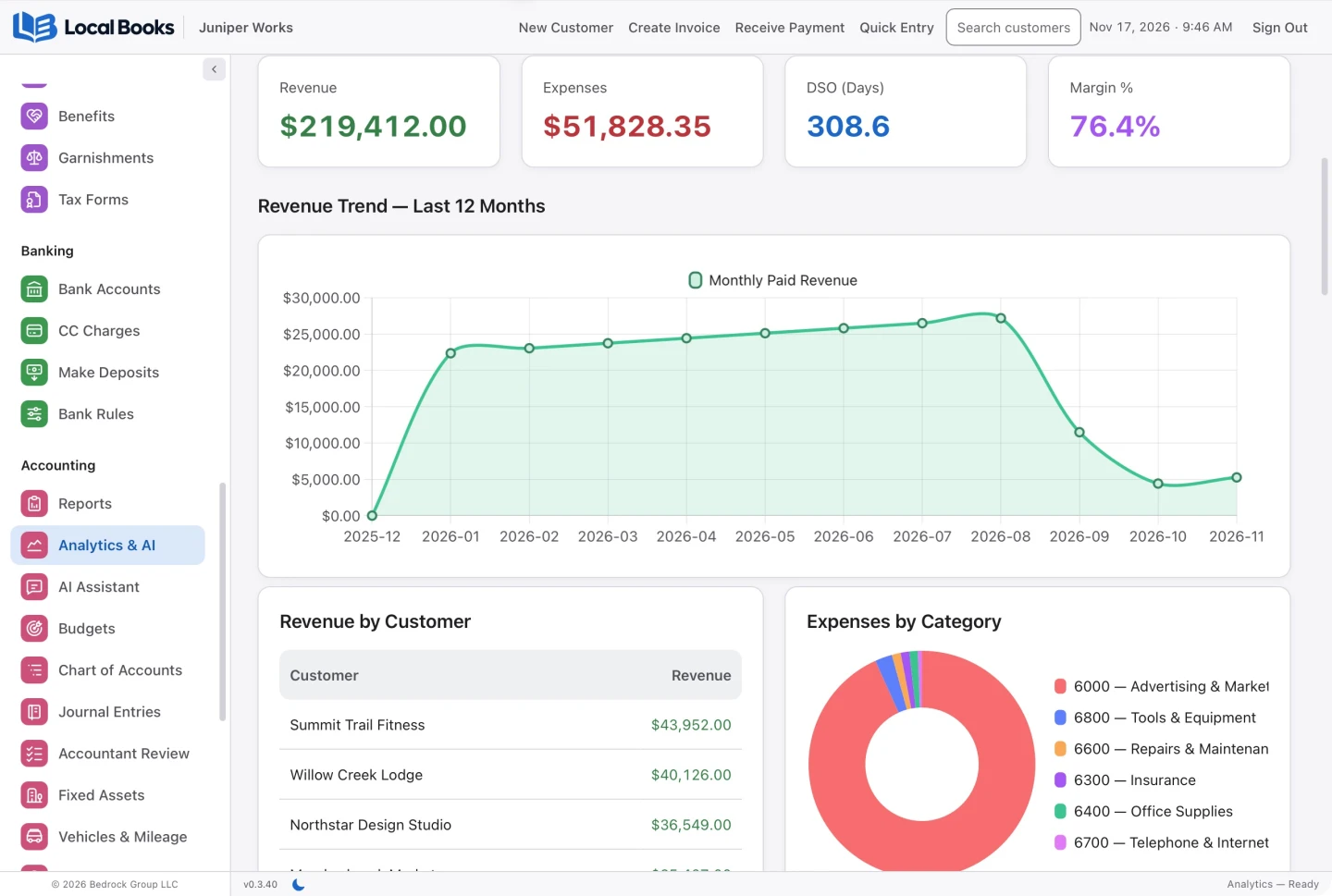
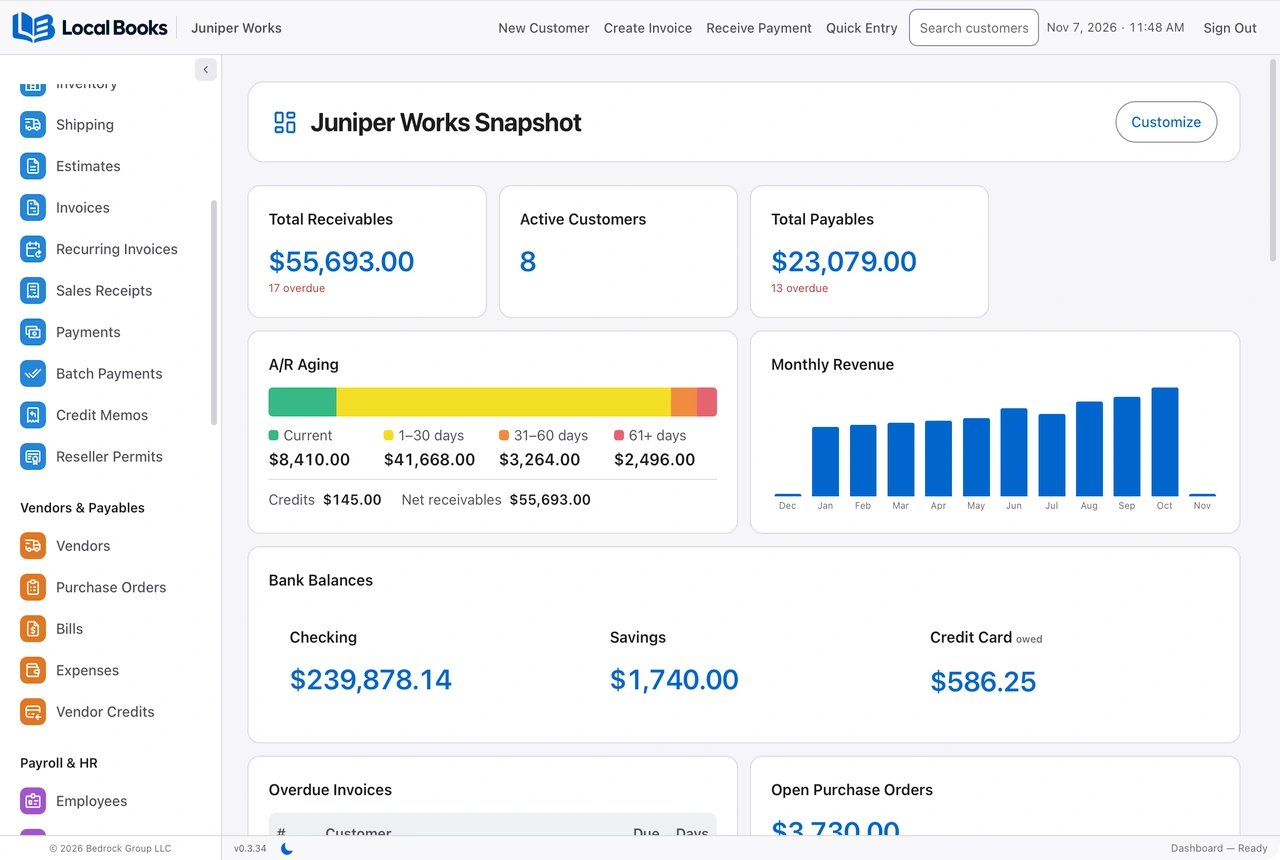
The same sale can affect receivables, stock, cash, and the cost of a job. Local Books connects those records so staff can follow what was sold, what is still owed, and what the work cost. The assistant lets staff ask questions or handle routine entries from the same workspace.
Example workflow
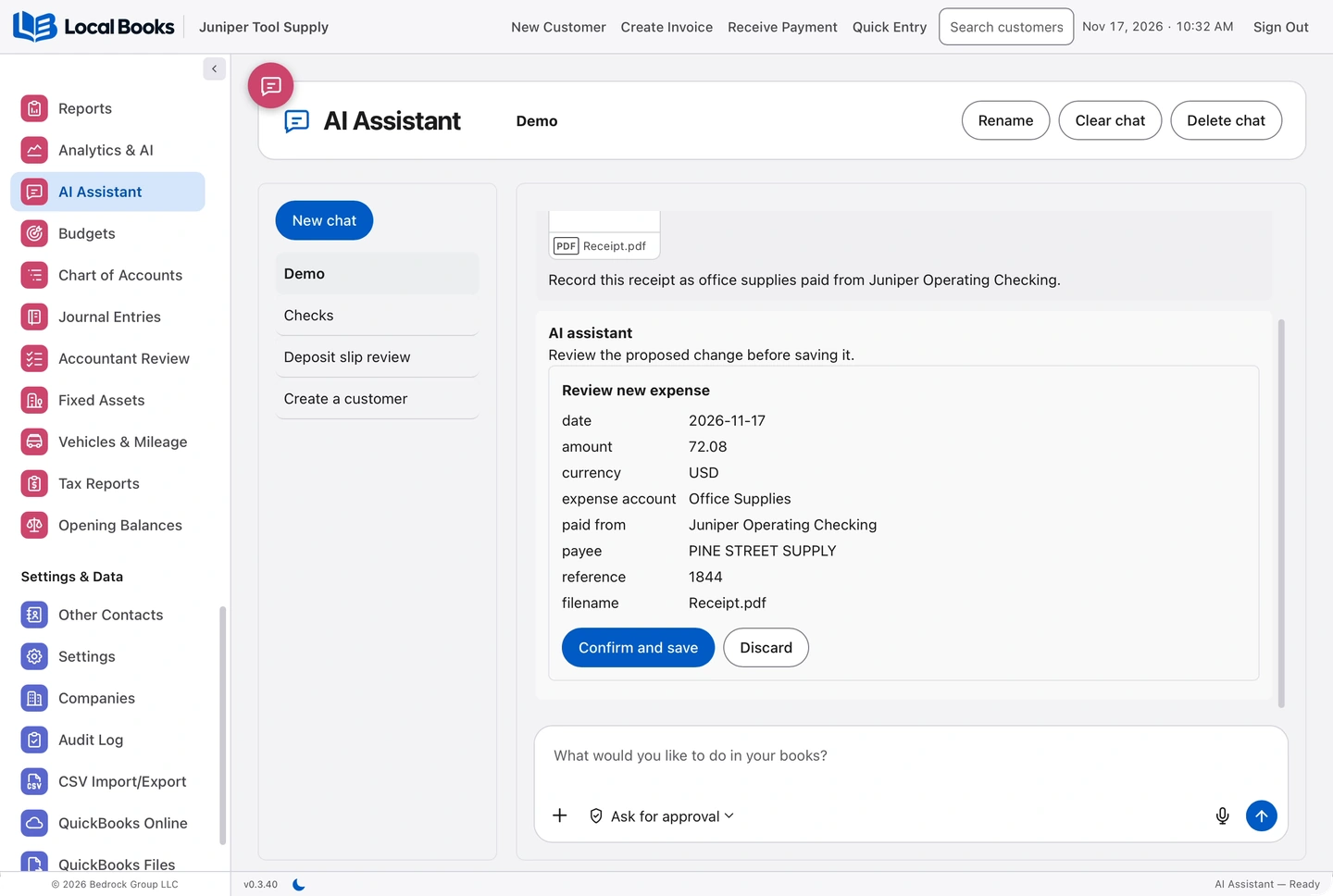
Record a receipt with the built-in assistant
- Attach a receipt and tell the assistant what it was for and which account paid for it.
- Review the proposed amount, vendor, account, and receipt attachment before approving the expense.
- Find the saved expense and its supporting document in the books for review and reconciliation.
Local Books in the stockroom
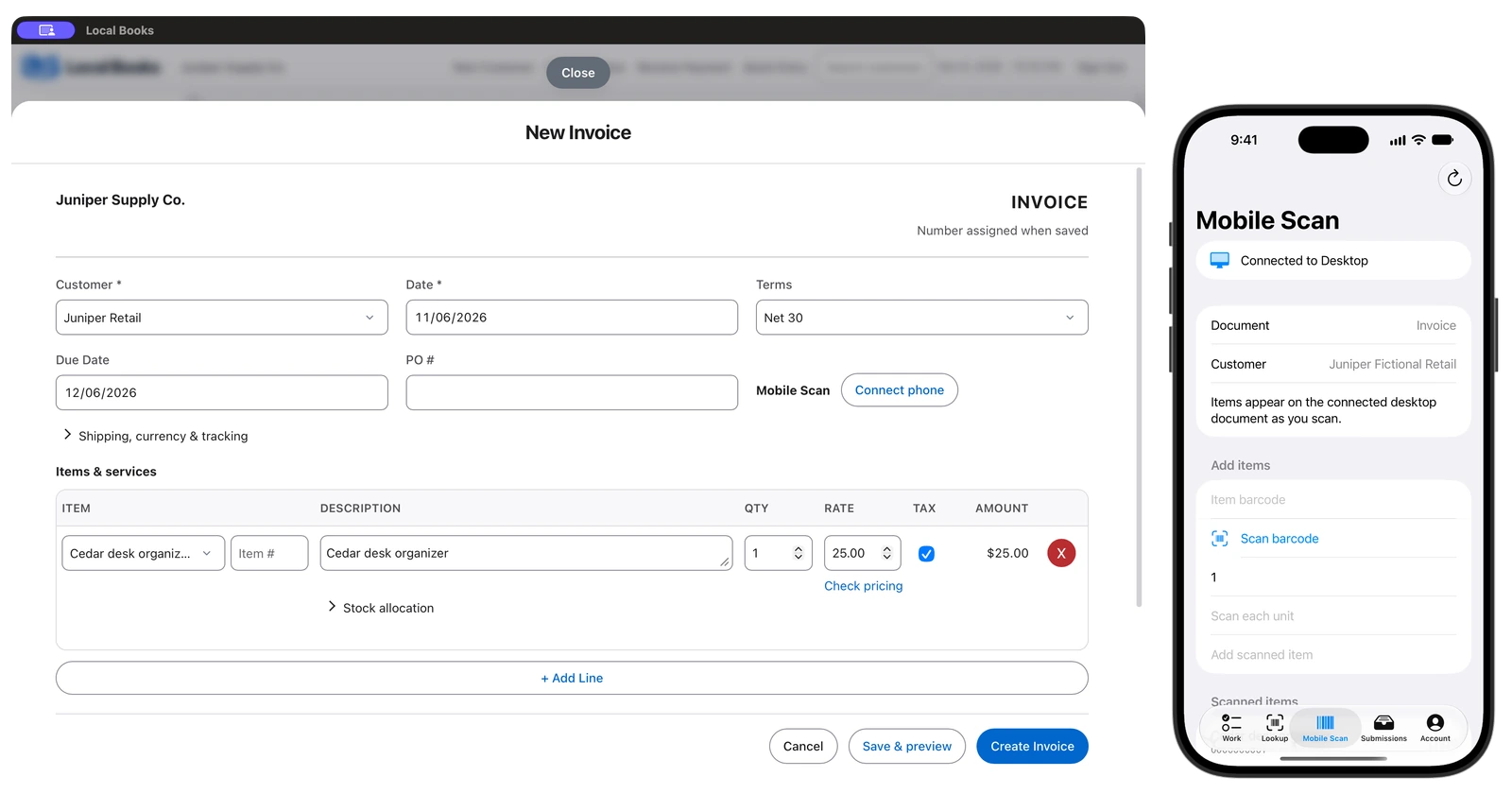
Pair Local Books Companion on iPhone, iPad, or Android with your Local Books computer. Scan an item into an open invoice, or sign in to a compatible office host to receive stock, count a shelf, or pick an order assigned to you.


Bedrock Group’s work
Bedrock Group built the desktop and office editions, the mobile inventory companion, and the assistant that works with company records. The team also tested a separate ChatGPT connection with company authorization and staff review.
Accounting and operations in one product
Carry an accepted estimate into invoicing, apply the customer’s payment, and reconcile it against the bank statement. Purchasing, stock, job budgets and actual costs, payroll tools, and financial reports use the same company records. Owners can give staff and bookkeepers access appropriate to their roles.
A built-in assistant that works with the books
Ask in plain language for overdue invoices or a profit and loss report, then follow up on a customer, account, or period. The optional assistant can read attachments and create or update records within the signed-in user’s permissions. Users choose a supported provider and whether to review proposed changes before saving.
A privately tested ChatGPT connection
Bedrock Group privately tested a custom Model Context Protocol (MCP) connection in eligible ChatGPT accounts. A company owner could authorize access for a staff role, review a proposed change, and revoke the connection.
Mobile barcode scanning
Local Books Companion pairs with a compatible host to scan barcodes into open documents. With the appropriate inventory features and staff access, teams can use it to receive stock, count inventory, and pick or pack orders.