
 Local Books Companion
A mobile scanner and inventory workspace that connects the stockroom to the documents and assigned work in Local Books.


- Status
- Available on the App Store and Google Play
- Who it serves
- Shop and warehouse staff using Local Books on Mac or Windows
- Platform
- iPhone, iPad, and Android with a compatible Local Books host
Enter the count where the stock is
Someone at the shelf can identify a product or count it, while the open invoice or purchase order lives on a computer elsewhere. Copying codes and counts between the two creates another round of entry and review.
Example workflow
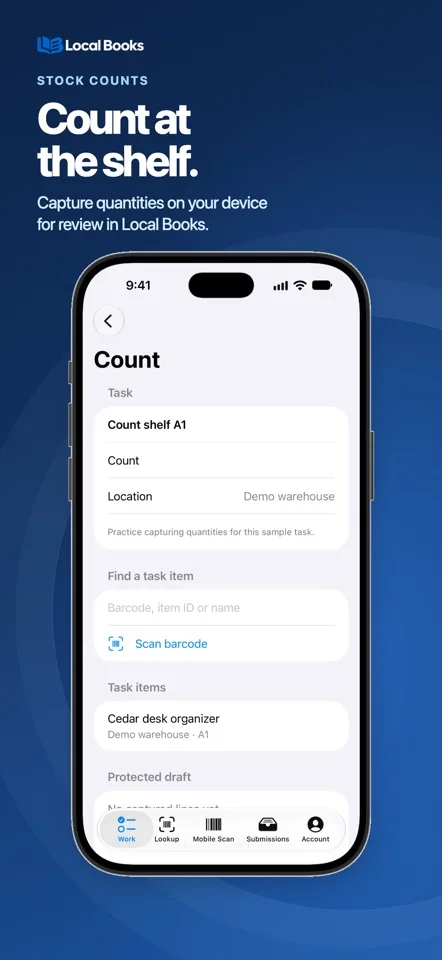
Count a shelf against an assigned inventory task
- Pair the device with the Local Books Office host, sign in with a staff account, and open an assigned count.
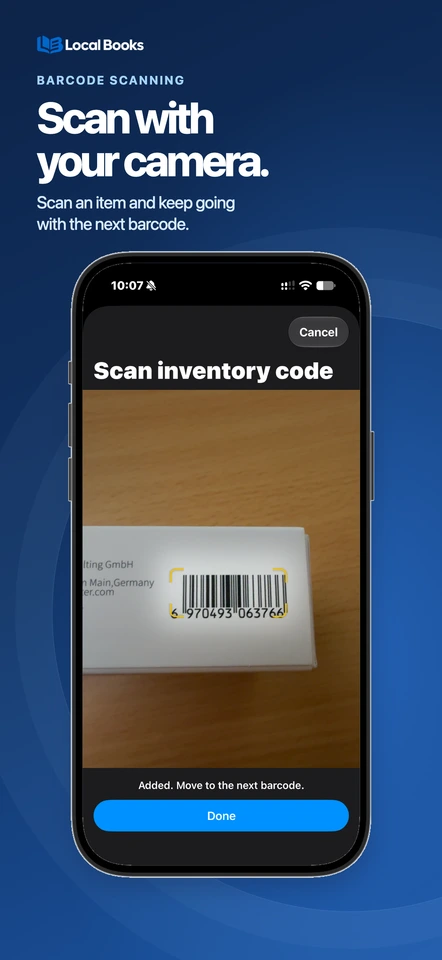
- Scan the barcode or enter it manually, check the item and location, and record the quantity at the shelf.
- Submit the count so the office can review it against the company’s inventory records.
Bedrock Group’s work
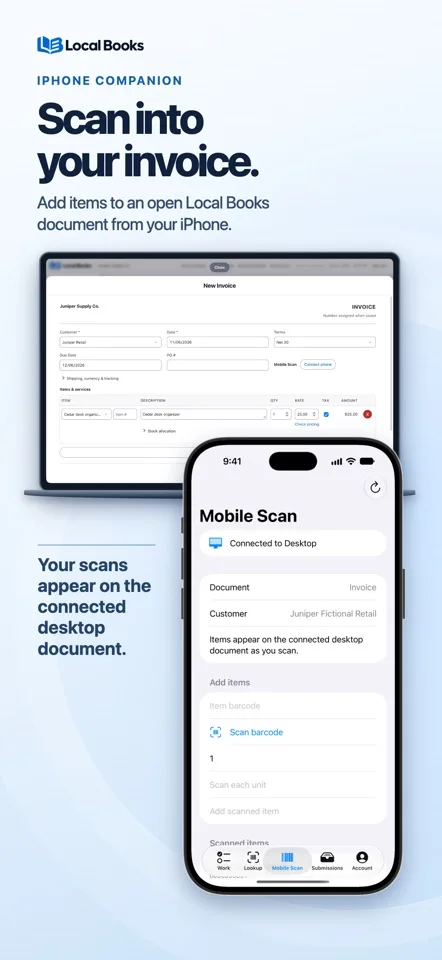
Bedrock Group built and released the mobile companion and connected it to Local Books. Staff can add scans to an open desktop document or complete an assigned inventory task from the stockroom.
Scan into an active document
A paired phone can supply barcode entries to a supported document on Mac or Windows. The desktop operator reviews the matched items before saving, and the mobile operator can look an item up directly when its label needs checking.
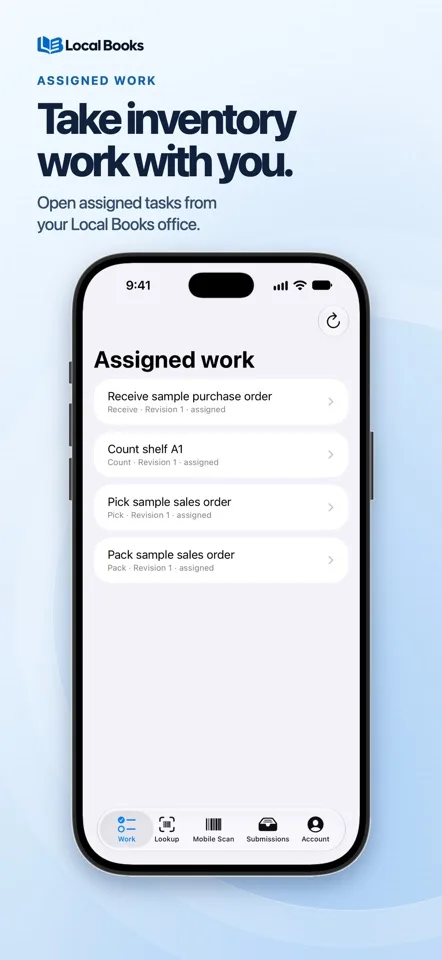
Assigned inventory work
With the appropriate inventory features and staff permissions, employees can open an assigned receipt, stock count, pick, or pack. Their work connects back to the relevant Local Books record for the office team.